This is a report for Suppliers.
This report provides the daily document transactions, per Buyer, for a selected month. The data can be reported in document volume or dollar amount.
- In the Reports module, click Daily Transactions.
The Daily Transactions report is displayed.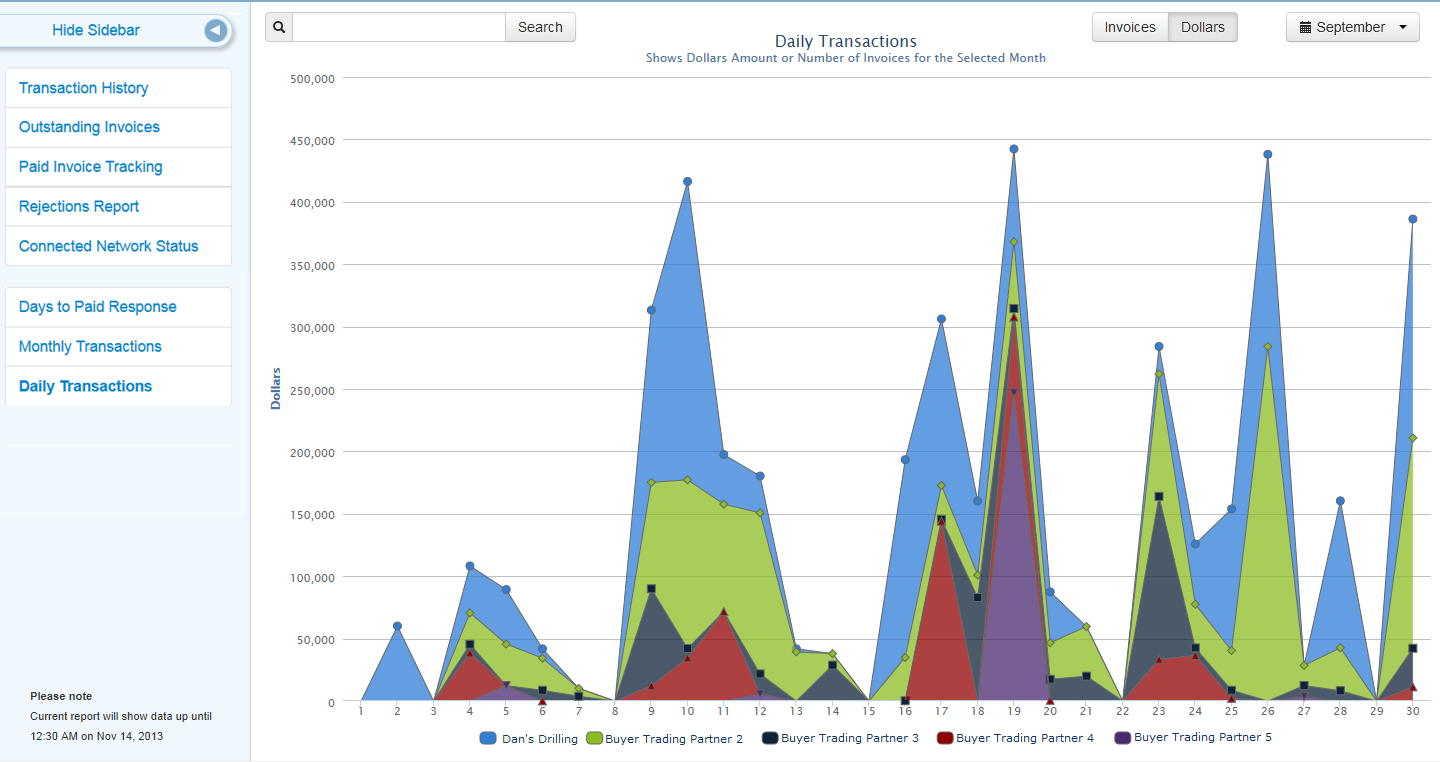
On the left edge of the report, the Trading Partners transactions can be gauged vertically in dollars. Along the bottom, the days of the month are displayed. - At the bottom of the report, click the name of any Trading Partner that you want to hide from the results.
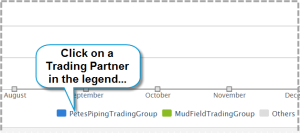
The Trading Partner name is grayed out and the related data is hidden from the report.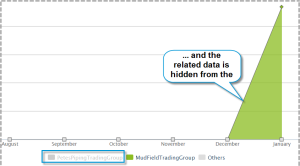
- Click the data point.
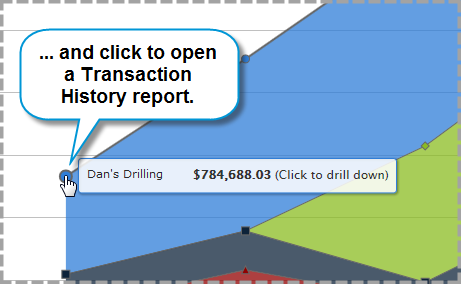
This will open a Transaction History report that is automatically filtered by the related Trading Partner.